Recycled Files
The Recycle Bin provides a safety net for deleted items, allowing you to recover accidentally deleted models, versions, texture sets, environment maps, sprites, sounds, and scripts.
Accessing the Recycle Bin
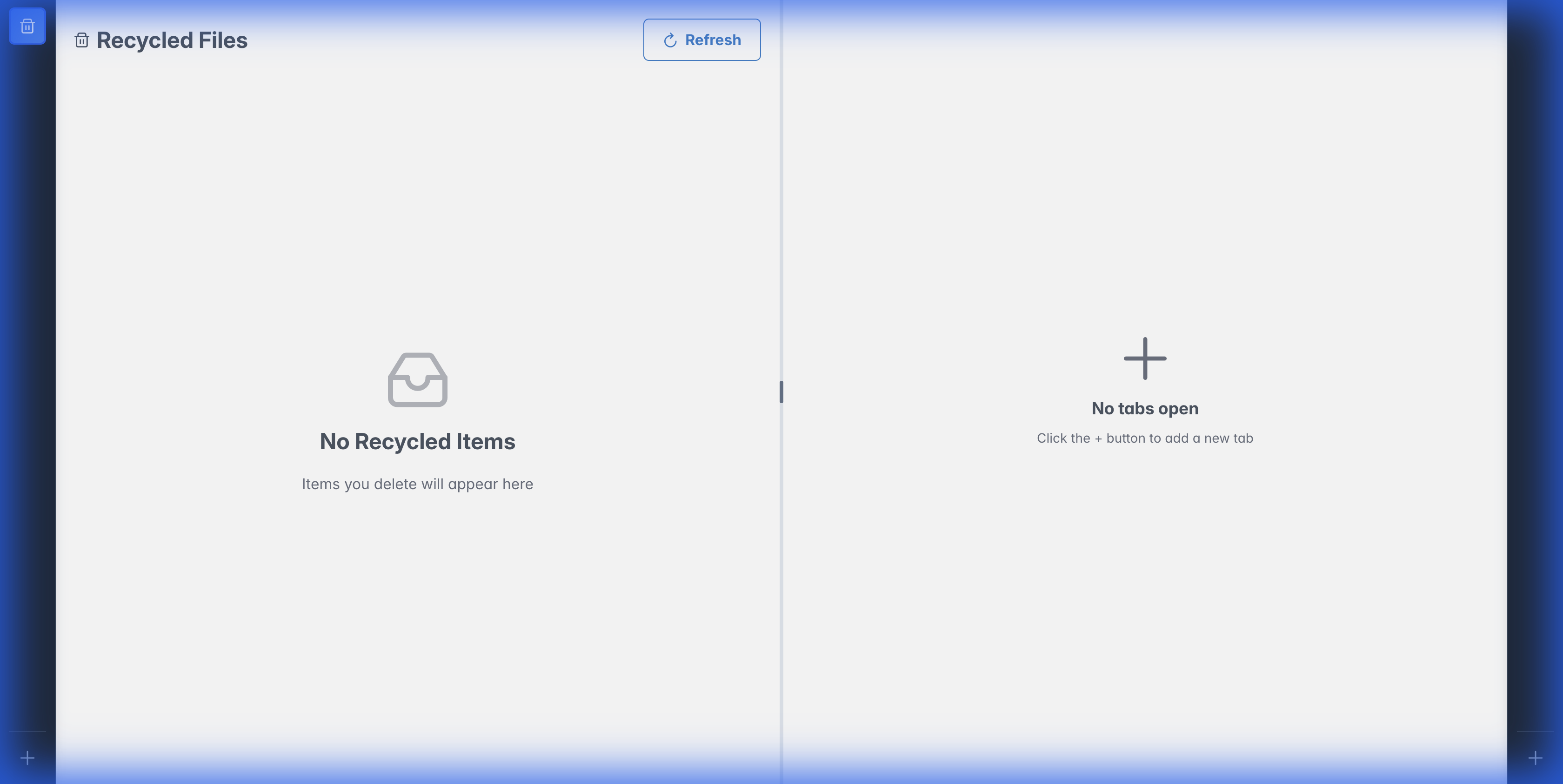
Navigate to the Recycled Files tab in the left panel.
What Can Be Recycled?
| Item Type | What Happens |
|---|---|
| Models | All versions move to recycle bin |
| Model Versions | Single version recycled, model remains |
| Texture Sets | Unlinked from all models |
| Environment Maps | Entire environment map recycled with its panorama/cube variants |
| Environment Map Variants | Single size variant recycled, environment map remains |
| Sprites | Removed from sprite sheets |
| Sounds | Sound entry recycled with its audio file |
| Scripts | Script recycled with its source file |
Restoring Items
- Open the Recycled Files panel
- Find the item you want to restore
- Right-click and select Restore
The item returns to its original location.
Permanent Deletion
To permanently delete an item:
- Open the Recycled Files panel
- Right-click the item
- Select Delete Permanently
Permanent deletion cannot be undone
Once permanently deleted, the item and its associated files are removed from the database. However, shared files that are still used by other items are protected.
For environment maps, this means unused variant files and custom-thumbnail files are deleted only when nothing else still references them.
Shared File Protection
Modelibr uses file deduplication - identical files are stored only once. This means:
- If two models use the same file, deleting one doesn't affect the other
- Permanent deletion only removes files that aren't used elsewhere
- You'll see a warning if attempting to delete shared files